1
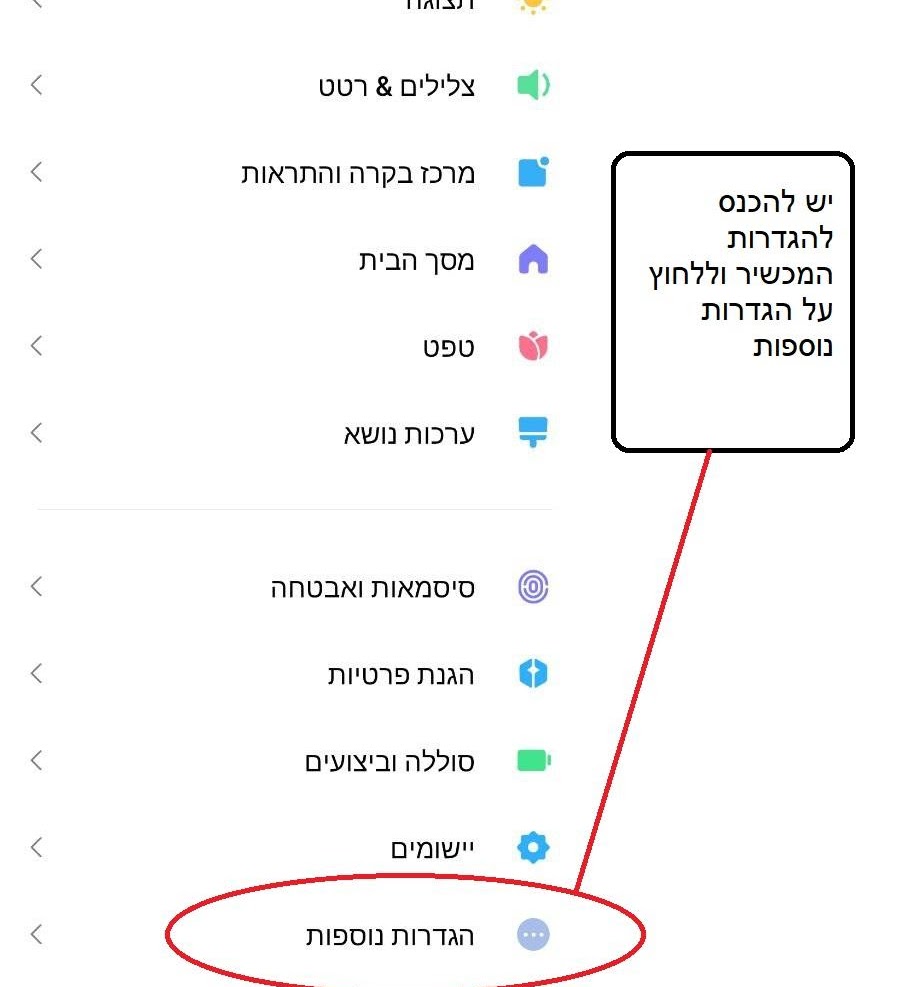
Go to the device settings and click on more settings
2

Click on Enterprise Mode
3

Click Enable Enterprise Mode
4

Click the button
5

Scan the previous code or type the following code
z575326112100
zq55f12x8s3r7w
6

Go to Kosher Play and click on activating Knox
